Top 10 Commercial Printing Machines for Global Buyers
Choosing a Commercial Printing Machine is rarely a simple decision based on advertised speed alone. Global buyers need to match print volume, sheet or web format, substrate, finishing requirements, and available service support. A press handling coated paper may need different capabilities from one producing cartons, labels, or books. Details matter.
This guide compares ten widely considered machine types and models across digital, offset, and production printing. It highlights practical factors such as rated output, color consistency, supported materials, setup time, automation, and maintenance access. Specifications should be checked against manufacturers’ current documentation, since configurations and performance can vary by market and installation. A quoted speed may not reflect a typical job with complex finishing or frequent changes.
The best choice depends on the work. A short-run shop may value fast setup and variable data, while a high-volume operation may prioritize uptime and unit cost. Buyers should also ask about operator training, spare-part availability, energy use, and local technical response. These are easy to overlook during a showroom demonstration. A machine can look impressive under ideal conditions, yet perform differently in a busy production room. No single model suits every buyer. Use the comparisons as a starting point, then verify samples, service terms, and total ownership costs before committing. Some trade-offs remain, and the “top” option may not be yours.
Commercial Printing Machines and Their Industrial Applications
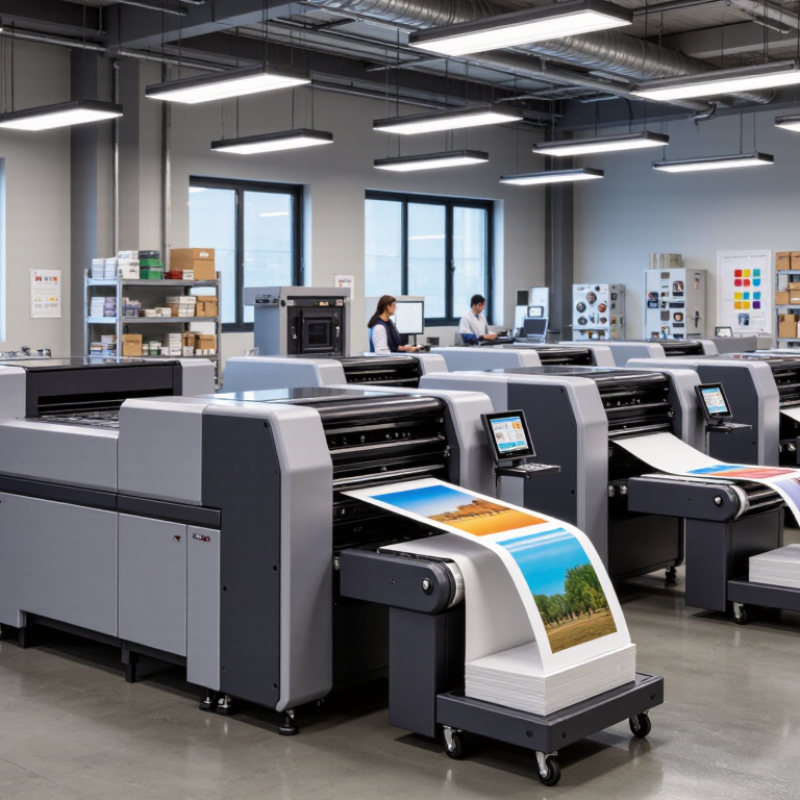
Commercial printing machines turn production needs into repeatable work: cartons, catalogs, labels, posters, and instruction sheets. Sheetfed offset presses suit long runs of brochures and retail inserts, where consistent color matters across thousands of pages. Web offset handles high-volume publications on continuous paper rolls. Digital toner and inkjet presses are useful for shorter runs, personalized mail, and frequent artwork changes. For packaging, flexographic presses print onto flexible films and labels at production speed. Wide-format machines produce outdoor signs, window graphics, and trade-show panels.
The machinery choice affects more than speed. Paper weight, ink drying, finishing space, and operator skill all shape the real output. Grand View Research’s Commercial Printing Market report estimated the global market at USD 489.6 billion in 2022, with a projected 2.8% compound annual growth rate from 2023 to 2030. That steady forecast points to a broad, practical market—not one machine type winning everywhere. A press can look impressive in a showroom and still be wrong for a plant’s substrates or job mix. It happens. Buyers should test actual materials, inspect waste rates, and check whether curing, cutting, and binding fit the production line. The test run may be less tidy than the brochure. That is useful.
Top 10 Commercial Printing Machines for Global Buyers
Indicative rated production speeds for common sheetfed press configurations. Actual output varies by model, sheet size, substrate, print coverage, and job setup.
Values are representative specification-level benchmarks, not industry averages. Digital cut-sheet speed is shown as sheet throughput; printed image count may differ for duplex jobs.
How to Compare Speed, Format, Quality, and Operating Costs
Compare commercial printing machines by saleable output, not headline speed. Smithers’ report, The Future of Global Printing to 2028, values the global market at about $818.4 billion in 2023 and forecasts $874 billion by 2028. That growth signals varied demand, not a reason to buy the fastest press. Check whether its rated speed holds on your actual paper, ink coverage, and finishing setup. Ask for a timed sample run. Count setup sheets, stoppages, and rejected copies.
Format affects both flexibility and cost. A larger sheet can fit more pages, but only if trimming and finishing equipment can handle it. Digital systems suit frequent short runs; offset systems can be efficient on longer, repeatable jobs. Compare color consistency using agreed proofs and measurement tolerances, not showroom lighting. ISO 12647 provides process-control guidance, though meeting a standard does not guarantee every job will look identical.
Build an operating-cost model per saleable copy. Include labor, plates or clicks, consumables, energy, maintenance, and waste. ENERGY STAR’s equipment guidance highlights energy use as a factor in commercial printing equipment selection, but local run patterns determine its real cost. Small details matter: a few extra setup sheets per job add up across a year. A caveat: supplier estimates can be optimistic. Test a representative job and record actual output before committing.
Ten Commercial Printing Machines for Different Production Needs
Commercial printing machines serve different production needs, from short personalized runs to millions of repeat copies. Sheet-fed offset presses handle crisp brochures and catalogs, while web offset presses suit long runs on continuous paper. Production toner machines offer quick setup for changing jobs. High-speed inkjet presses support variable text and images across large batches.
Wide-format printers create banners and display graphics. Flexographic presses print efficiently on packaging materials, while gravure presses suit very long, consistent runs. Screen presses apply dense ink layers to selected surfaces. UV flatbed printers print directly onto rigid boards, and dedicated label presses produce rolls of labels. These ten machine types differ in speed, substrate range, setup time, and finishing options. A fast press may still be the wrong fit if its setup wastes material on small jobs.
Tips: Compare real samples, not only stated resolution. Check daily maintenance, operator training, and service access. Ask suppliers for a test using your paper or film. A spreadsheet helps, but it can miss the noise, floor space, and workflow friction of a busy shop.
Global Purchasing Factors: Compliance, Service, and Supplies
When comparing commercial printing machines, global buyers should check compliance evidence before headline speed. Ask for electrical-safety documentation, emissions information, and destination-market conformity records. Test the machine on your own paper stock. Paper path matters. Measure color consistency against agreed ISO 12647 process-control targets; these help standardize print quality but do not replace local requirements. FESPA’s 2023 Print Census collected responses from more than 1,800 print businesses in 120 countries, highlighting the range of operating conditions buyers must consider.
Service coverage deserves equal scrutiny. Smithers’ 2023 global print-market analysis estimated the market at about $834 billion in 2022, a scale that makes production downtime a practical purchasing concern. Ask how quickly a technician can arrive, which parts are stocked locally, and whether remote diagnostics are available. Request a written response-time commitment and check its exclusions. A strong service promise can still disappoint when parts are far away.
Supplies affect real output costs. Compare ink or toner availability, shelf life, recommended maintenance intervals, and cost per saleable sheet—not just the quoted price. Ask suppliers to document expected yield using your coverage levels and substrates. Keep a sample job and its settings for acceptance checks after installation. One caveat: yield estimates are not guarantees, and actual results can vary with operators, humidity, and media. A small oversight can become an expensive routine.